
Troubleshooting
Fix a Talk & Comment link that does not show a player
Check extension access and where you pasted the link, or open the recording directly when an inline player does not appear.
Last updated October 16, 2026
A pasted link and an inline player are different things. The extension can replace an eligible displayed link with a player; it does not turn every text field into one.
Post the link before checking for a player
- Copy the completed recording's link. Use Copy link rather than typing part of the address or replacing it with an unrelated URL shortener.
-
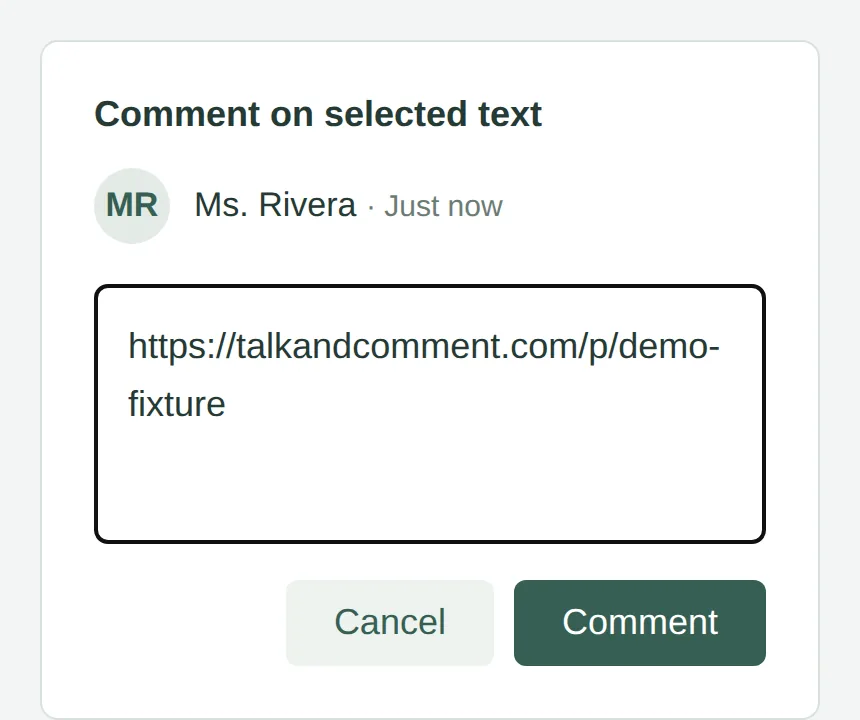
Paste, then save or post your comment. Links stay untransformed inside active editors and editable fields. Check the displayed comment after you finish editing.
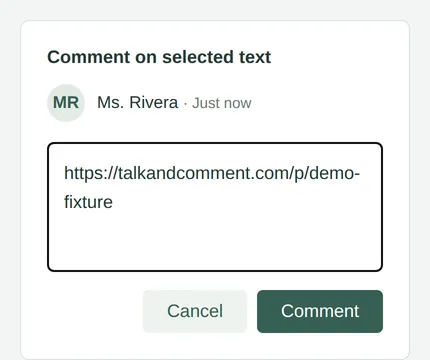
While the comment is being edited, the link stays plain text. (Example page.) -
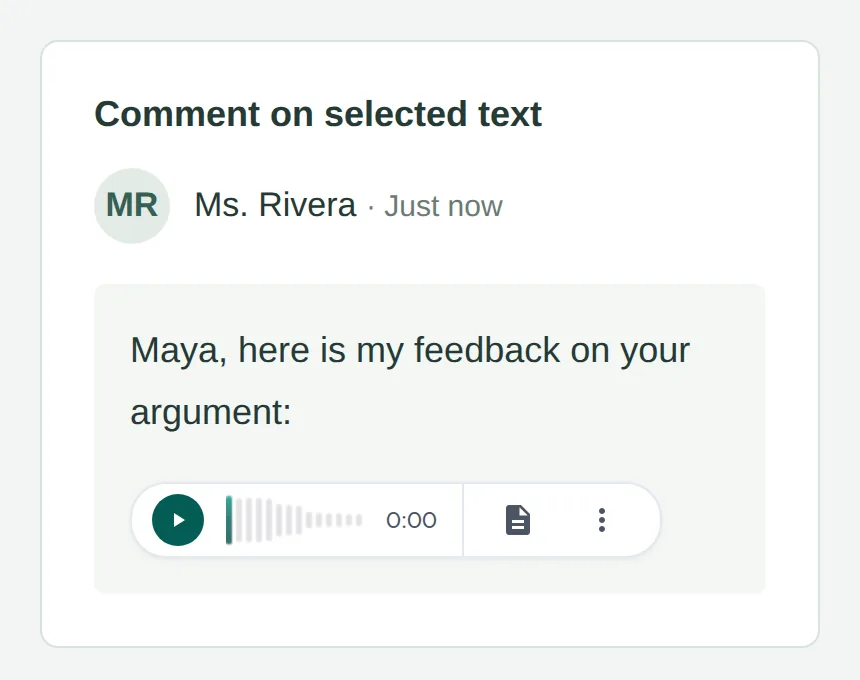
Check that the displayed link is clickable. The extension looks for links on the page, not raw text. If the page leaves the address as text, copy it into the browser address bar instead.
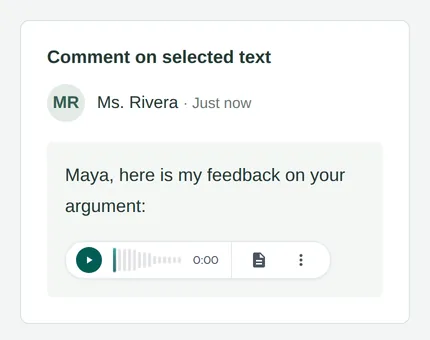
An eligible displayed link can become an inline player after posting. (Example page.)
Google Docs' main document editor is not a promised inline-player location. A link shared in the document can still be opened directly. See voice comments in Google tools for the comment workflow.
Check extension and site access
-
Check that Talk & Comment is installed and on. Open
chrome://extensions. The extension is needed for Talk & Comment's inline players on other websites, not for opening an ordinary public recording link. - Refresh the page after an install or update. A page that was already open may not have the current extension loaded.
- Check the extension's site access. In Chrome's Manage extensions, open Talk & Comment's Details and review whether it can run on the site you are using. Ask school IT if policy controls this setting.
The original Talk & Comment link is the best diagnostic input. Talk & Comment's own tac.im and tac.so links are recognized; an unrelated URL shortener is not automatically resolved into a recording by the inline-player scanner.
Open the recording instead
Open the link in a normal browser tab, or copy the complete address into the address bar if it is not clickable. A valid, publicly shared recording can play there without the extension or an account. Organization-restricted notes still need the correct signed-in account; see who can listen.
If a player appears but shows an error or will not play, use playback troubleshooting. That is a different problem from a link that never becomes a player.
Was this article helpful?
Still stuck? Email support and a real person will get back to you.